Hello people,
my last post was written days ago and I am sorry for the delay, but i was really busy with my business.
I was mentioned in the post https://steemit.com/heyhaveyamet/@heyhaveyamet/hey-where-are-you-thursday-may-16-2019 by @heyhaveyamet. I just wanted to say: I am still here and ready to write. :)
So today i would like to present you a, in my opinion, very special Linux:
Elementary OS
Its based on Ubuntu 18.04, but some things are heavily changed.
At first, it has all advantages as other Linux like:
- Fast
- Secure
- Lightweight
- Open Source
- A good Community
But Elementary OS has even more features, which i would like to intruduce to you now.
The Look
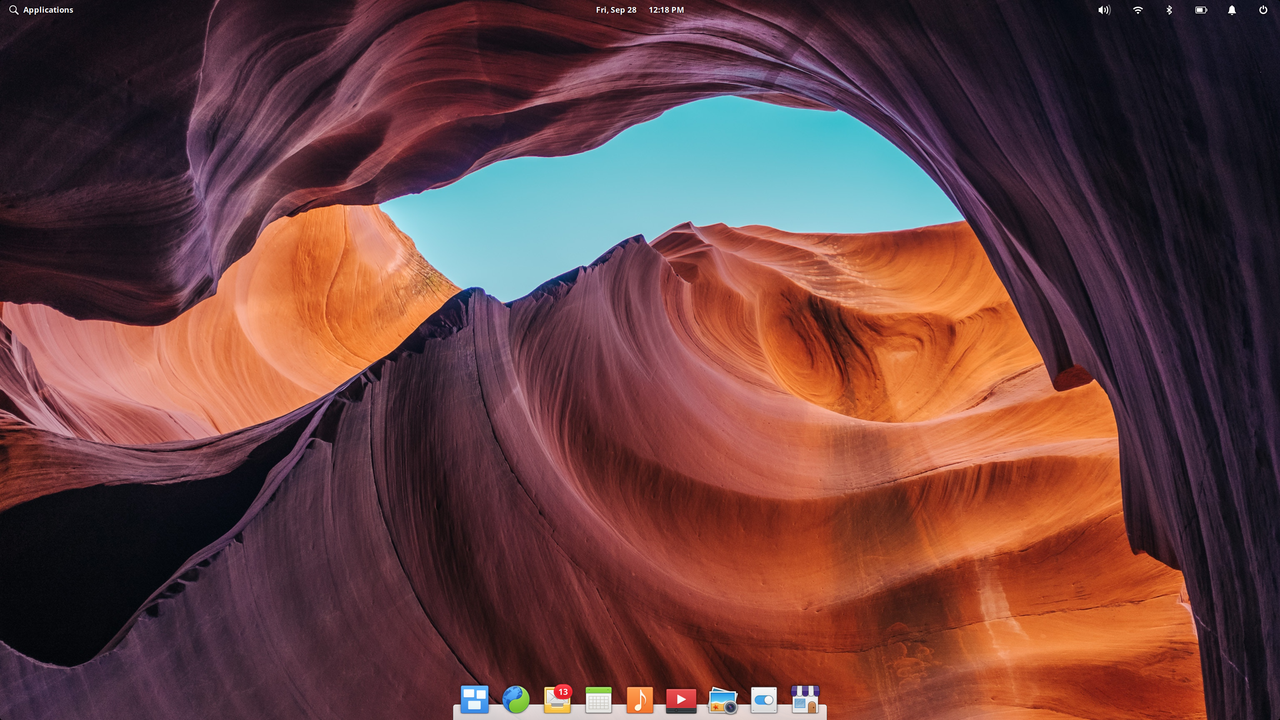
The developers of Elementary OS wanted to create a simple and userfriendly operatingsystem, so the choose to take the look of a MacOS.
To be honest its really close to the look of a MacOS.
The Dock
The Dock, which is placed on the bottom of the screen, works really smooth and behaves like the Dock from Apple. You can remove or add programs, folders and so on, how you like.The Workspaces
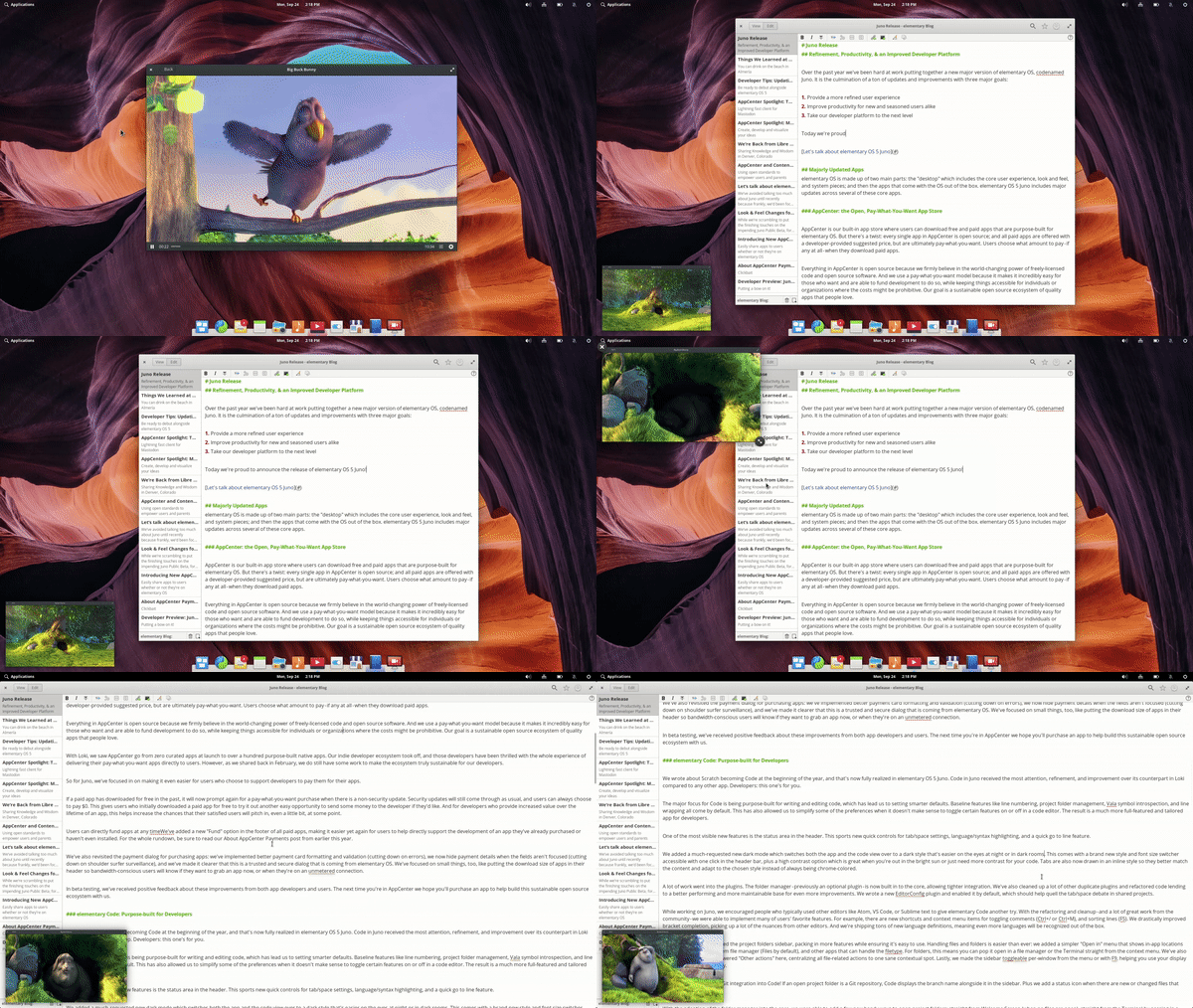
Also the Workspaces are an interesting feature. Normally you have one desktop, but in Elementary os you can have four. Its very useful, if you have one Screen and you would like to have different apps opened. For example you can put a document on Screen 1, a music player on Screen 2, and so on.The Picture-in-Picture mode
The most people will know this feature on Smartphones from the Youtube app. You play a video, you want to change the videos and go back, the actuell video is playing in the left corner.
Exactly this feature is aviable in Elementary OS.
Have a look:
The Feel
Elementary OS has not only an interesting Desktop, it also has some other nice extras.
The Appstore
Like in Ubuntu Elementary OS has a built in Appstore, where you can download a lot of different apps. A main difference is, that there are some apps, which display a price, but this is only the recommended price from the developer. You can choose how much you pay or an app or if you get it free.
The Settings
The settings look and have the same features like the one in Ubuntu. There is not very much to say about them. You can change the wallpaper, change the resolution, choose the audio speaker, and so on.
This are the greatest features, which differ Elementary OS from other Linux. Another good thing is, that you have installed only needed programs for casual work like an audioplayer, a file explorer, a photo viewer and of course a terminal.
Audio player
File Explorer
Photo Viewer
Terminal
As there are only a few programs installed and the Elementary OS Desktop "Pantheon" is also very lightweight, its a very fast operatingsystem. Its even faster then Ubuntu.
I can totally recommend, that you give it a try and make your own opinion. :)